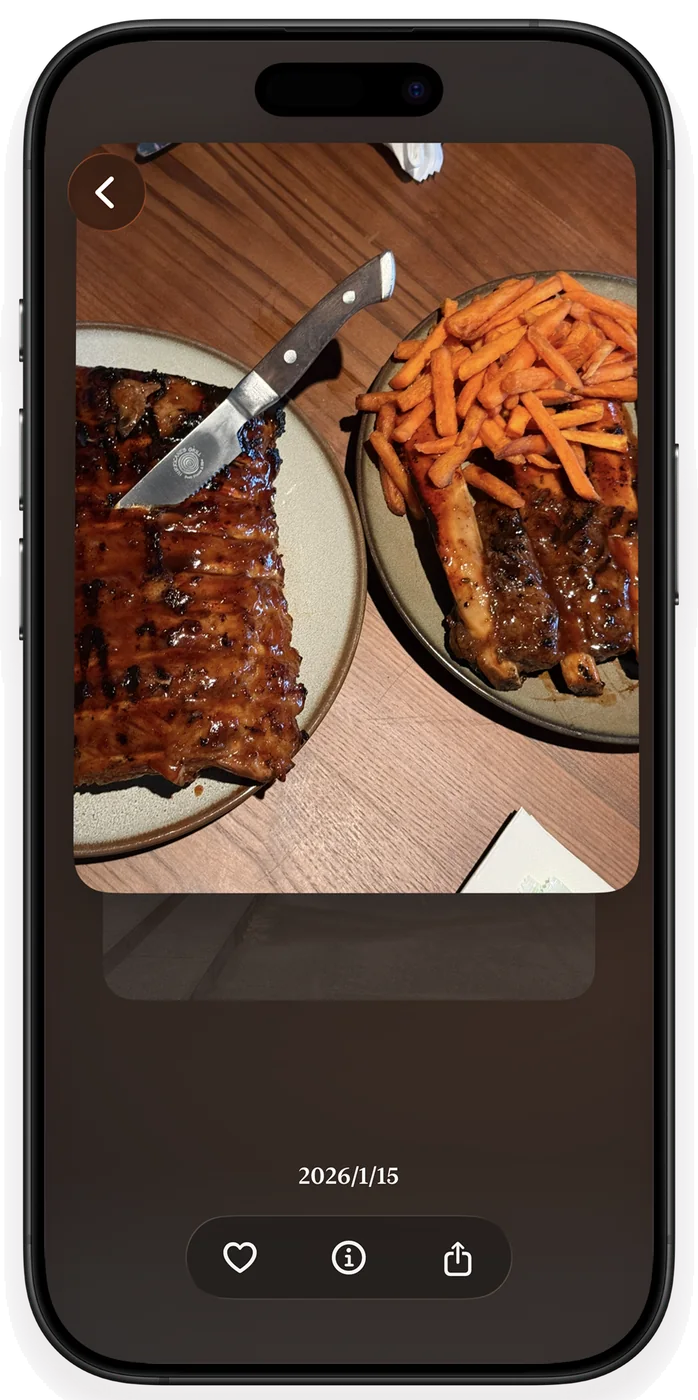
One category
at a time
Photos, videos, screenshots, selfies and Live Photos each get their own deck. Start wherever you like, and pick up where you left off.
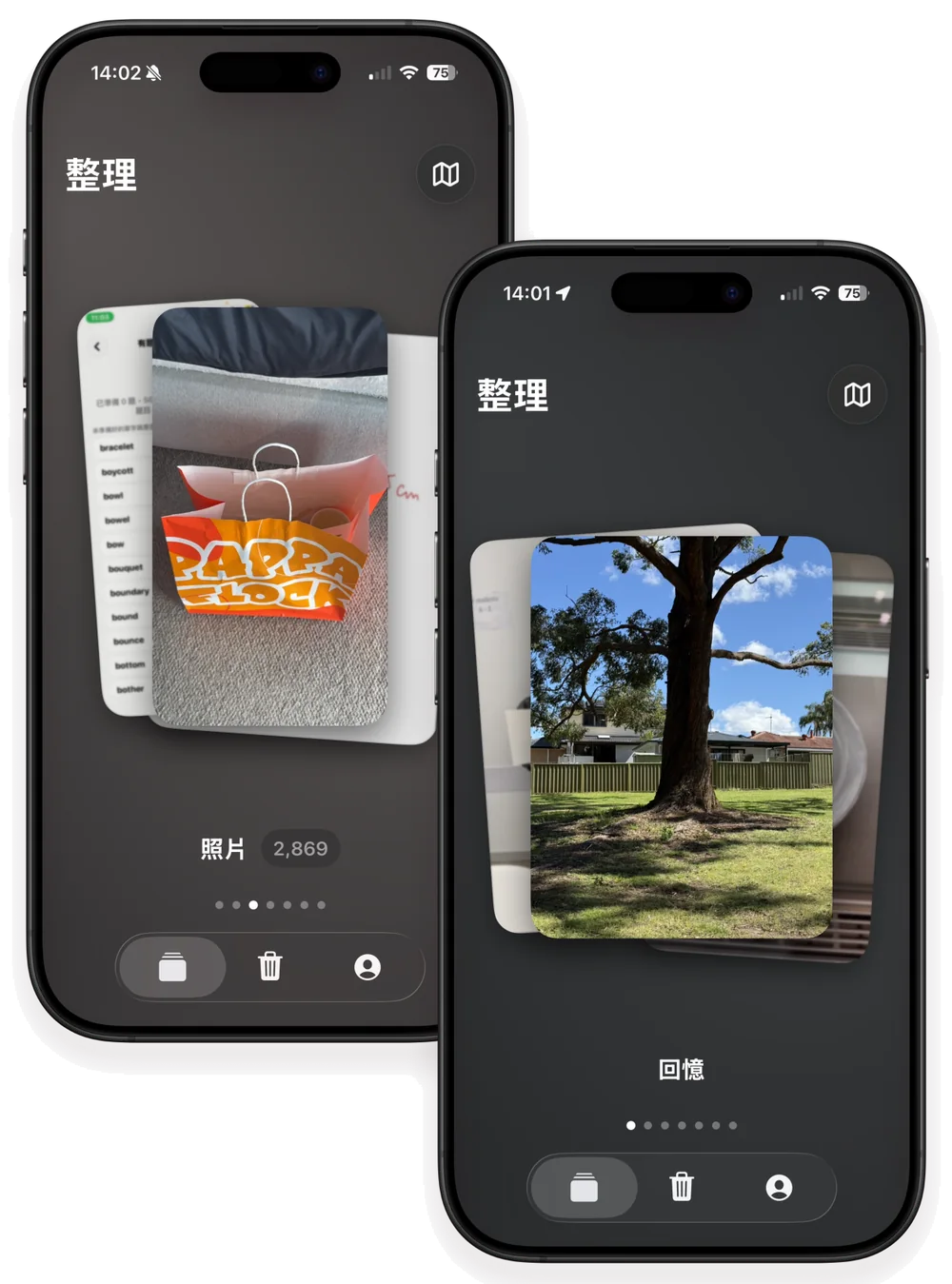

Halo Memories is an iPhone photo organizer with on-device similar-photo analysis, photo and video categories, and confirmation before deletion. For iOS 18 or later, with a one-time purchase option.
Download on the App StorePhoto analysis stays on your iPhone. Nothing is deleted automatically. Every decision stays yours.
Every screen puts your photos first — calm, quick, and easy to undo.
Photos, videos, screenshots, selfies and Live Photos each get their own deck. Start wherever you like, and pick up where you left off.
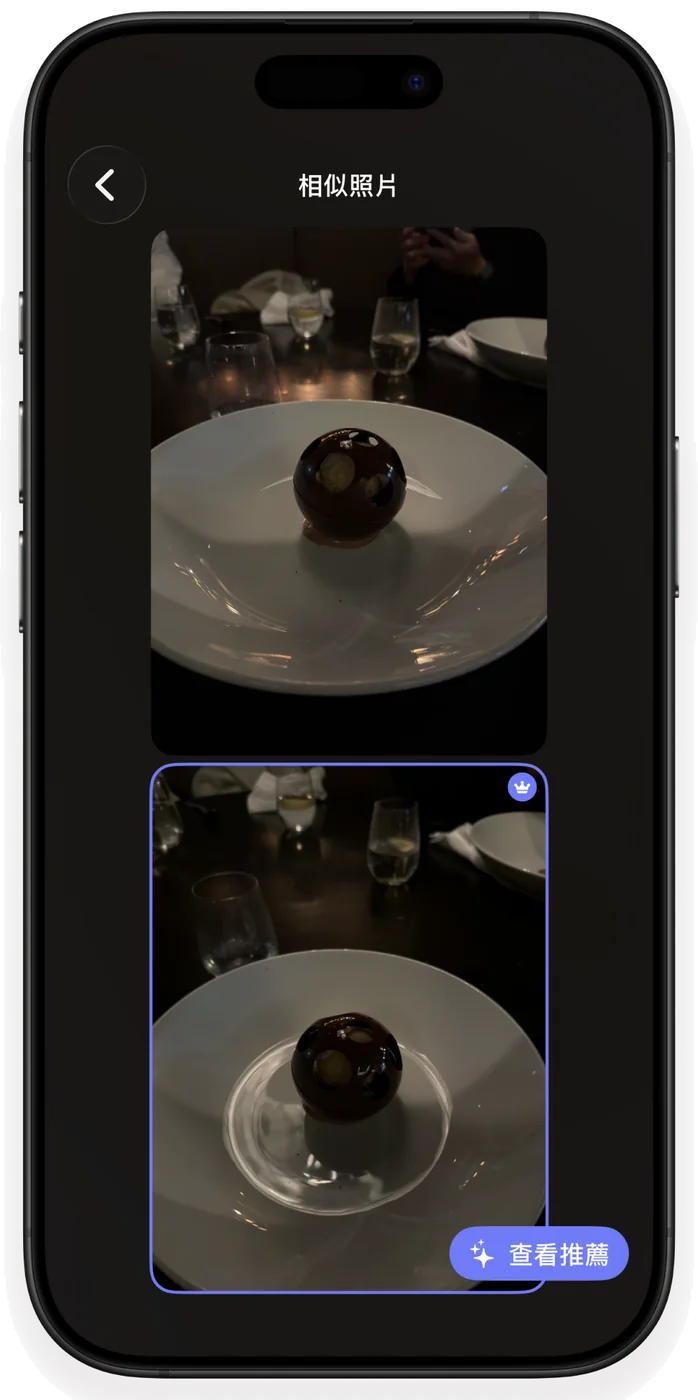
Similar shots are grouped right on your iPhone so you can compare them side by side. With Pro, Halo Memories can also suggest the best one.
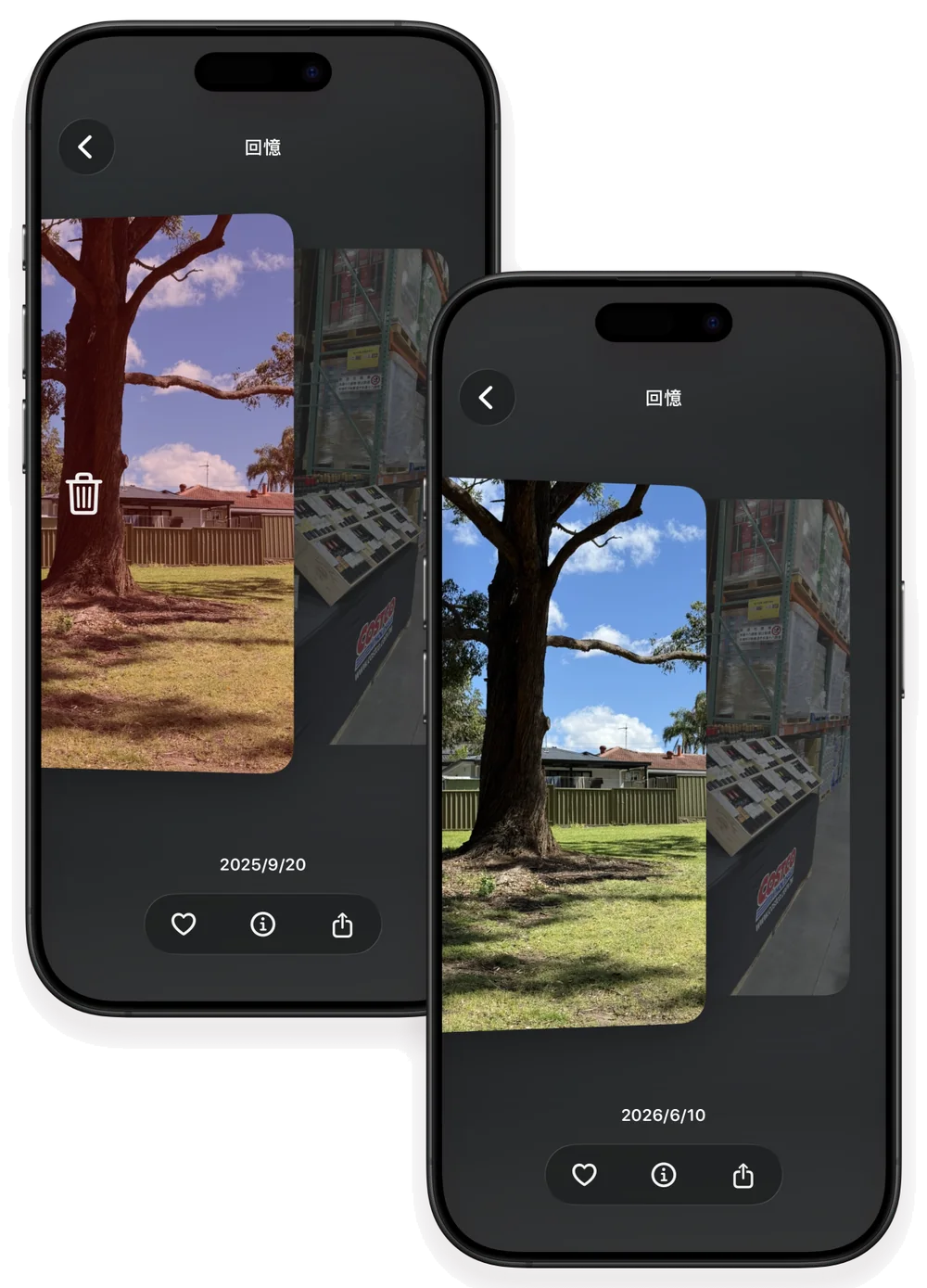
Swiped photos wait in a Pending Deletion list. They only move to Recently Deleted after you confirm and approve Apple's Photos prompt.
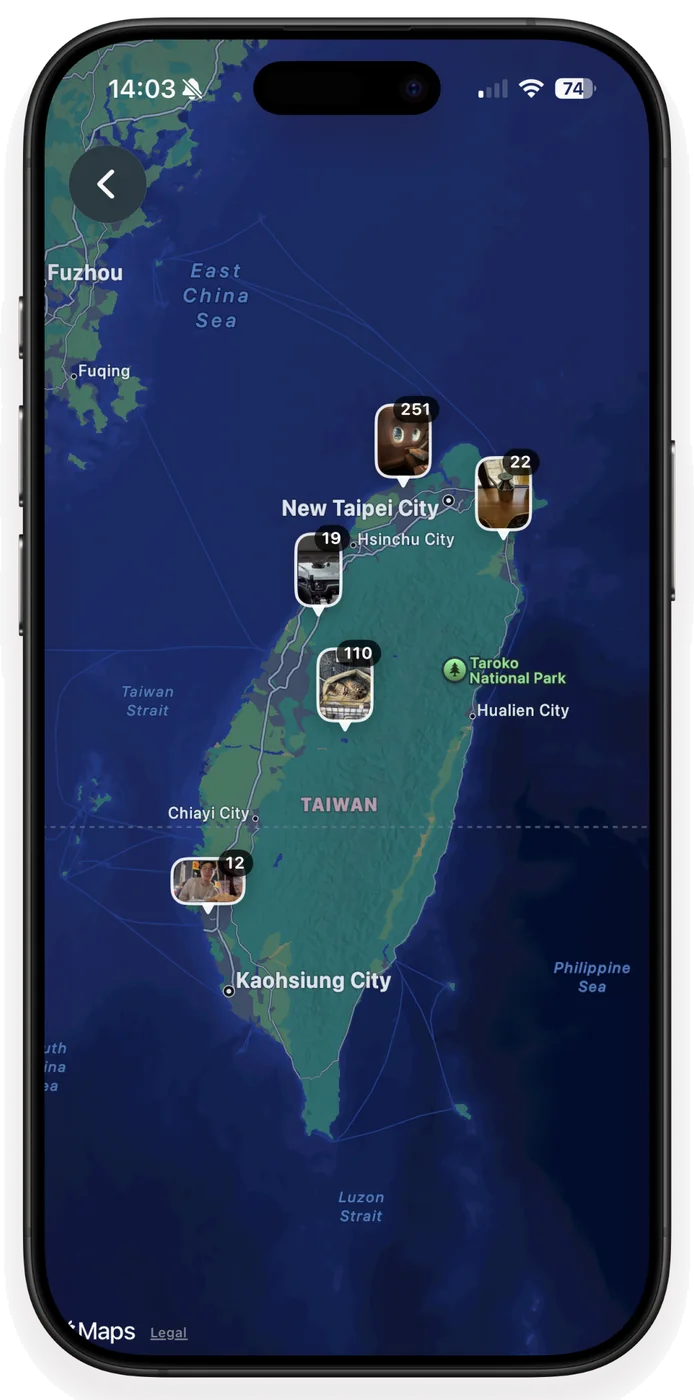
Follow the places you've photographed and find every stop along the way again.
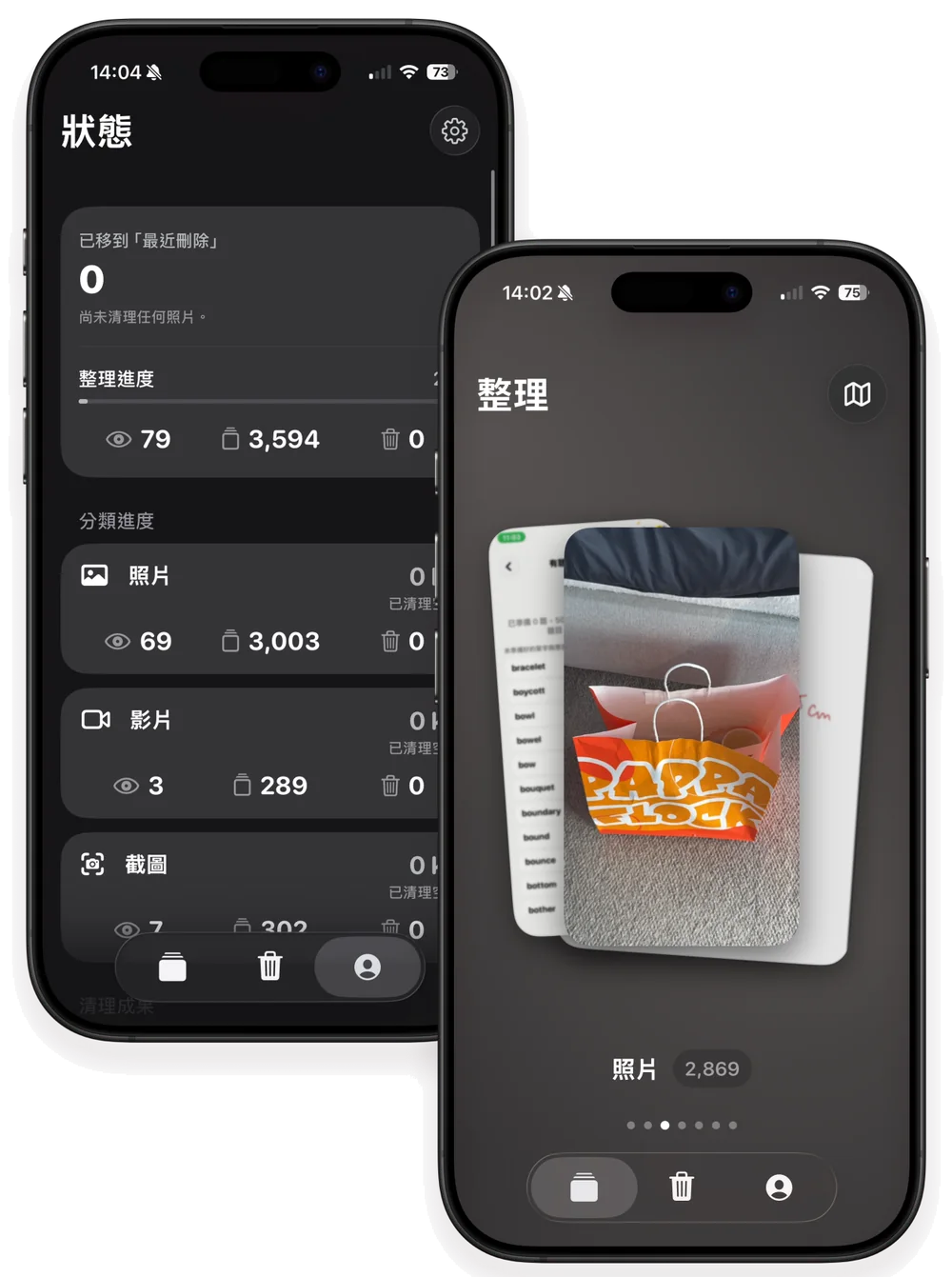
See how far you've come, plus an estimate of the space you can free.
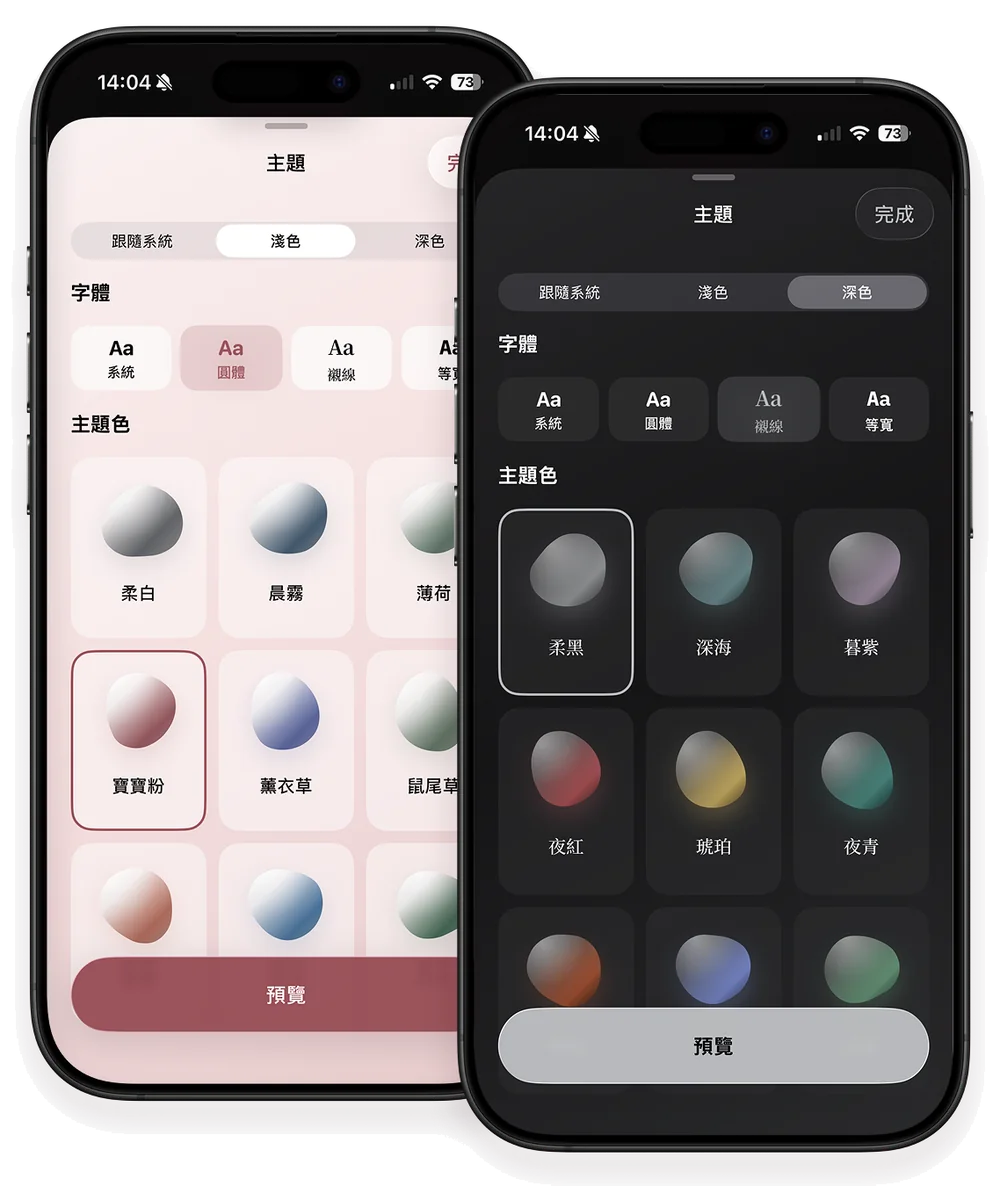
Light or dark, with color themes and fonts to mix and match.
The free version can reserve a deletion allowance for offline use. Getting your first allowance, using it up, or reaching the end of the month requires a connection.
Give access only to the photos you choose, if you prefer.
Pick a rhythm that suits you.
No account needed. Nothing is used for ads or cross-app tracking.
Compare similar photos on your iPhone, review what to keep, and confirm before deleting. Choose Pro when you want an unlimited deletion allowance and best-photo suggestions.
Halo Memories
50 items per month
Halo Memories Pro
Unlimited deletion allowance
Prices and available purchase options vary by region; see the app or the App Store. Subscriptions renew automatically unless canceled at least 24 hours before the current period ends. Manage or cancel subscriptions in your App Store account settings.
See options on the App StoreFor people who want to organize similar photos, keep control of every deletion, or choose a one-time purchase. Here is how Halo Memories works.
The free version lets you move up to 50 items per month to Recently Deleted in Apple Photos. Items include photos and videos. They wait in Pending Deletion until you confirm.
Halo Memories Pro includes an unlimited deletion allowance and best-photo suggestions. Choose a monthly subscription, a yearly subscription, or a one-time purchase. Local prices and available options are shown in the app and on the App Store.
Photo analysis happens on your iPhone. Photos, videos, locations, and photo-library identifiers are not uploaded to the Halo Memories quota service. The free allowance service processes anonymous credentials, deletion counts, and necessary technical data; see the privacy policy.
No. Swiped items first enter Pending Deletion. They move to Recently Deleted only after you confirm and approve the Apple Photos prompt. You can restore them in Apple Photos while they remain in Recently Deleted.
Yes. Halo Memories supports Full Access and Limited Access. With Limited Access, you can browse and organize only the content you allow the app to access.
While connected, you can reserve your remaining monthly free allowance. Offline operations are recorded on your device, and deletion counts sync when you reconnect. A connection is needed if you have not obtained an allowance yet, have used it up, or the month has ended.